
Introduction
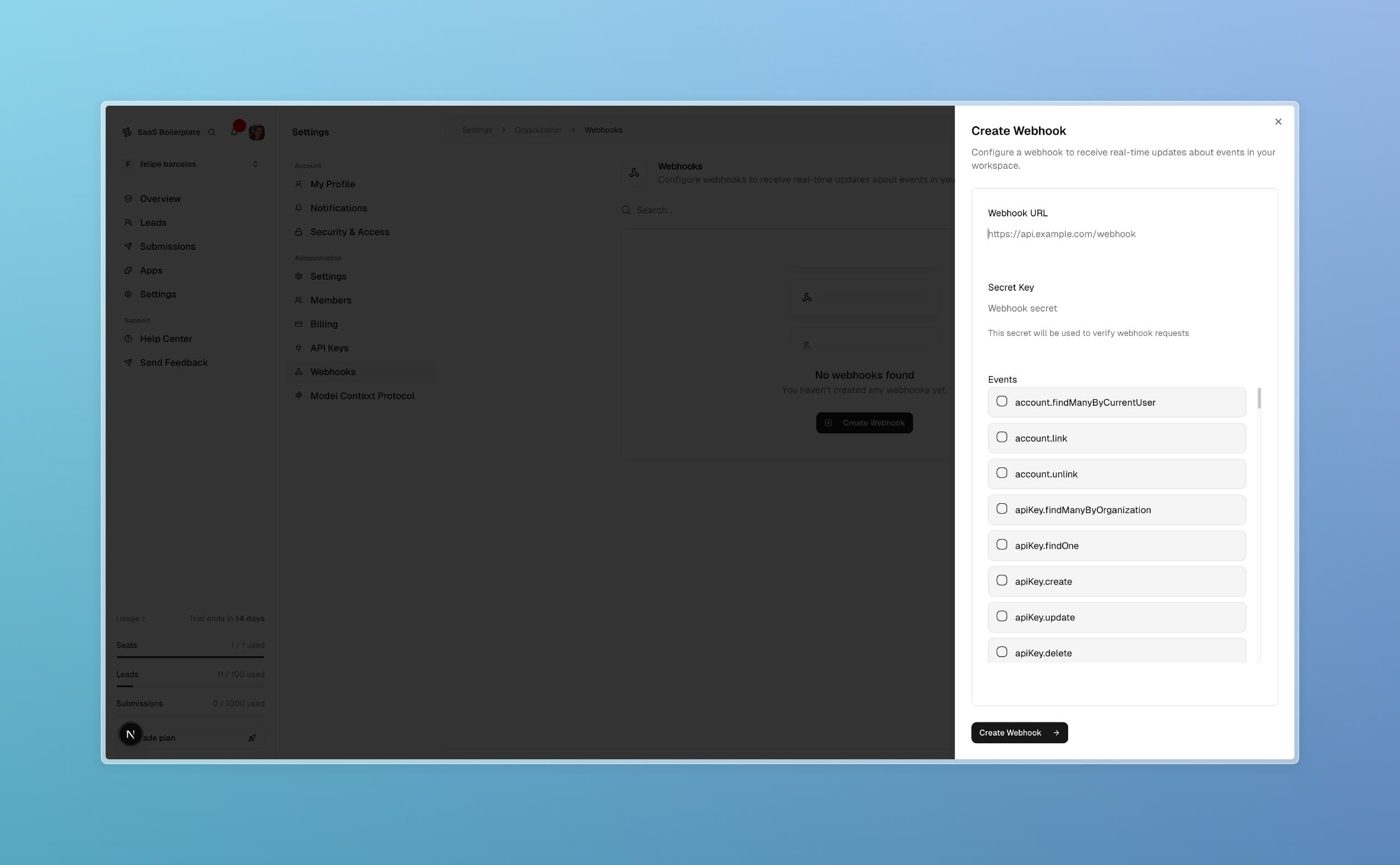
The Webhooks page allows you to configure real-time event notifications that automatically send data to external systems when specific events occur in your SaaS Boilerplate workspace. Access it via Settings > Organization > Webhooks. This powerful feature enables seamless integrations and automations. By the end of this guide, you'll have webhooks set up to enhance your workflows.
Tip
Prerequisites
- Owner or Admin access to organization settings
- A secure endpoint URL (HTTPS) to receive webhook payloads
- Understanding of the events you want to monitor
- API key or authentication method for your endpoint
Core Concepts
Webhooks
HTTP callbacks that send data to external URLs when events happen in your workspace.
Event Types
Categories of events that can trigger webhooks:
- User events (created, updated, deleted, login)
- Organization events (member changes, settings updates, plan changes)
- Data events (lead creation, form submissions, data exports)
- System events (integrations connected, API keys generated, maintenance)
Security
Webhooks require secure endpoints with authentication (API keys, signatures) and HTTPS.
Step-by-Step Guide
Access Webhooks Page
Navigate to Settings > Organization > Webhooks in the dashboard.
Create a New Webhook
Click "Create Webhook" and configure:
- Name: Descriptive identifier
- URL: Your endpoint URL
- Events: Select which event types trigger the webhook
- Method: HTTP method (usually POST)
- Headers: Authentication headers if needed
Test the Webhook
Use the test function to send a sample payload and verify your endpoint receives it correctly.
Monitor and Manage
View webhook status, delivery logs, and success rates. Edit or delete webhooks as needed.
Webhook Configuration Details
Prop
Type
Troubleshooting
Best Practices
Read More