
Introduction
Welcome to SaaS Boilerplate! This guide will walk you through your initial setup, from creating your workspace to inviting team members. By the end, you'll have a fully configured environment ready for building your SaaS application.
Tip
Prerequisites
Before you begin, ensure you have:
- A valid email address for account creation
- Access to the SaaS Boilerplate dashboard
- Basic understanding of SaaS concepts (don't worry if you're new—we'll guide you through it)
Core Concepts
Workspace
Your workspace is the central hub for your organization, containing all your data, team members, and configurations. It's isolated from other tenants for security and scalability.
Multi-Tenancy
SaaS Boilerplate uses multi-tenancy to ensure each customer has their own secure environment while sharing the underlying infrastructure.
Step-by-Step Setup
Welcome and Introduction
Upon logging in, you'll see the welcome screen with an overview of SaaS Boilerplate's features. Click "Create my workspace now" to proceed.
Configure Your Workspace
Choose a workspace name and custom URL slug. The name should reflect your organization or project, and the slug will be part of your unique URL (e.g., yourdomain.com/workspace/your-slug).
Warning
Personal Information
Provide your full name, phone number (with country code), and how you heard about SaaS Boilerplate. This information personalizes your experience and helps with account security.
Invite Team Members (Optional)
Add team members by email and assign roles. You can skip this step and invite people later through the team management section.
Verification
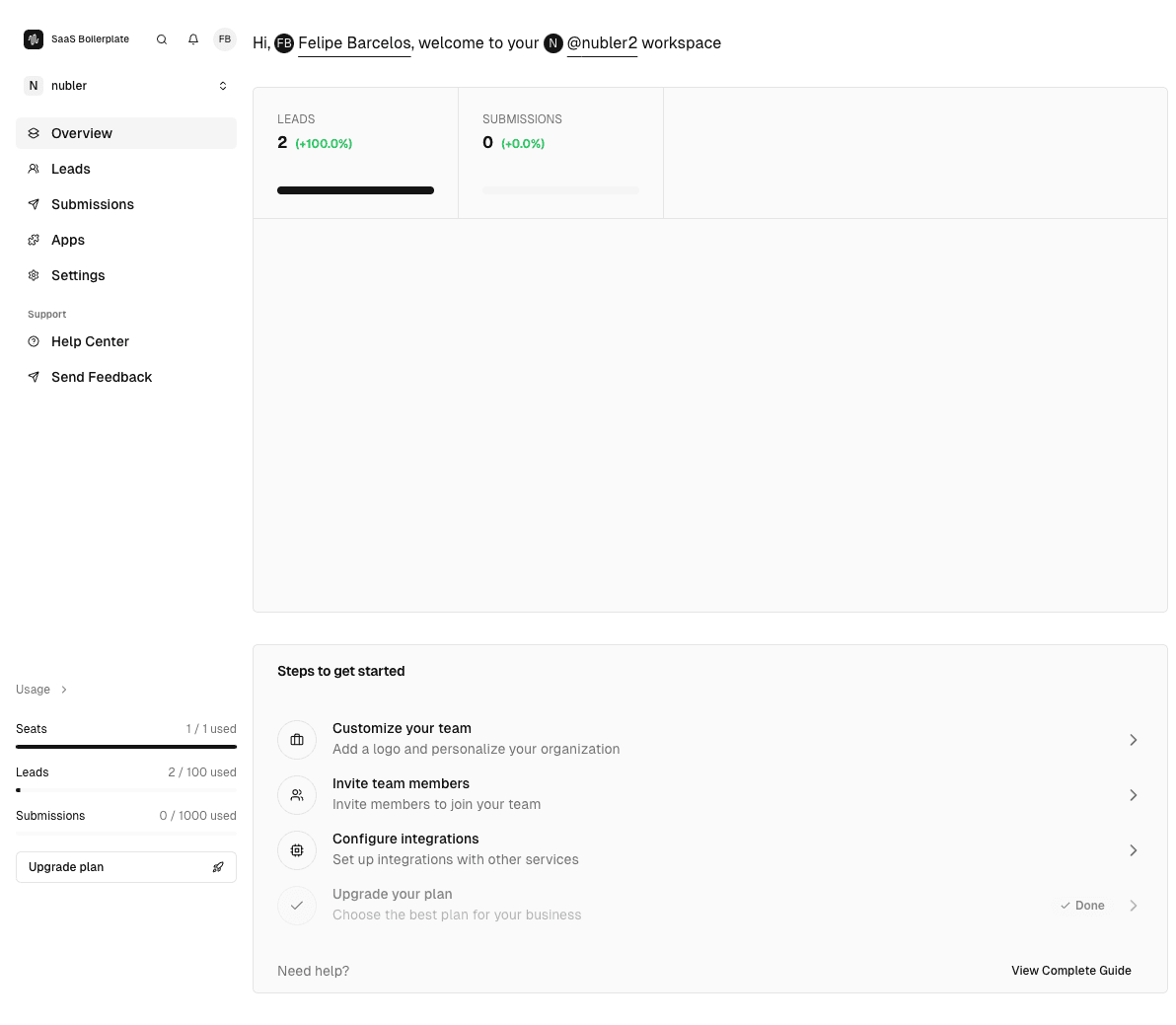
After completing the steps, you'll be redirected to your new workspace dashboard. Verify everything is set up correctly by checking your profile and workspace settings.
Troubleshooting
Best Practices
Read More